· Dissemination · 4 min read
MAPLES Walkthrough: From Rubric Upload to Faculty Review
Watch Ameer Hamza Shakur walk through the MAPLES workflow: upload a rubric, group OSCE encounters, run AI-assisted grading, review cited evidence, and export validated results.
This walkthrough shows the MAPLES workflow end to end. Ameer Hamza Shakur, the Jamieson Lab AI engineer who originally created the MAPLES tool, demonstrates how a finished OSCE rubric moves through the platform and becomes faculty-reviewed results.
The demo follows the practical sequence a faculty or simulation team would use: upload a structured rubric, select the encounters to grade, configure the model and station mapping, run grading, review the item-level results, and export the validated record.
The main point is simple: MAPLES is not just an AI score generator. It is a review workflow. The AI drafts item-level scores with rationale and cited evidence. Faculty can accept, revise, comment, and export only after review.
Start With a Structured Rubric
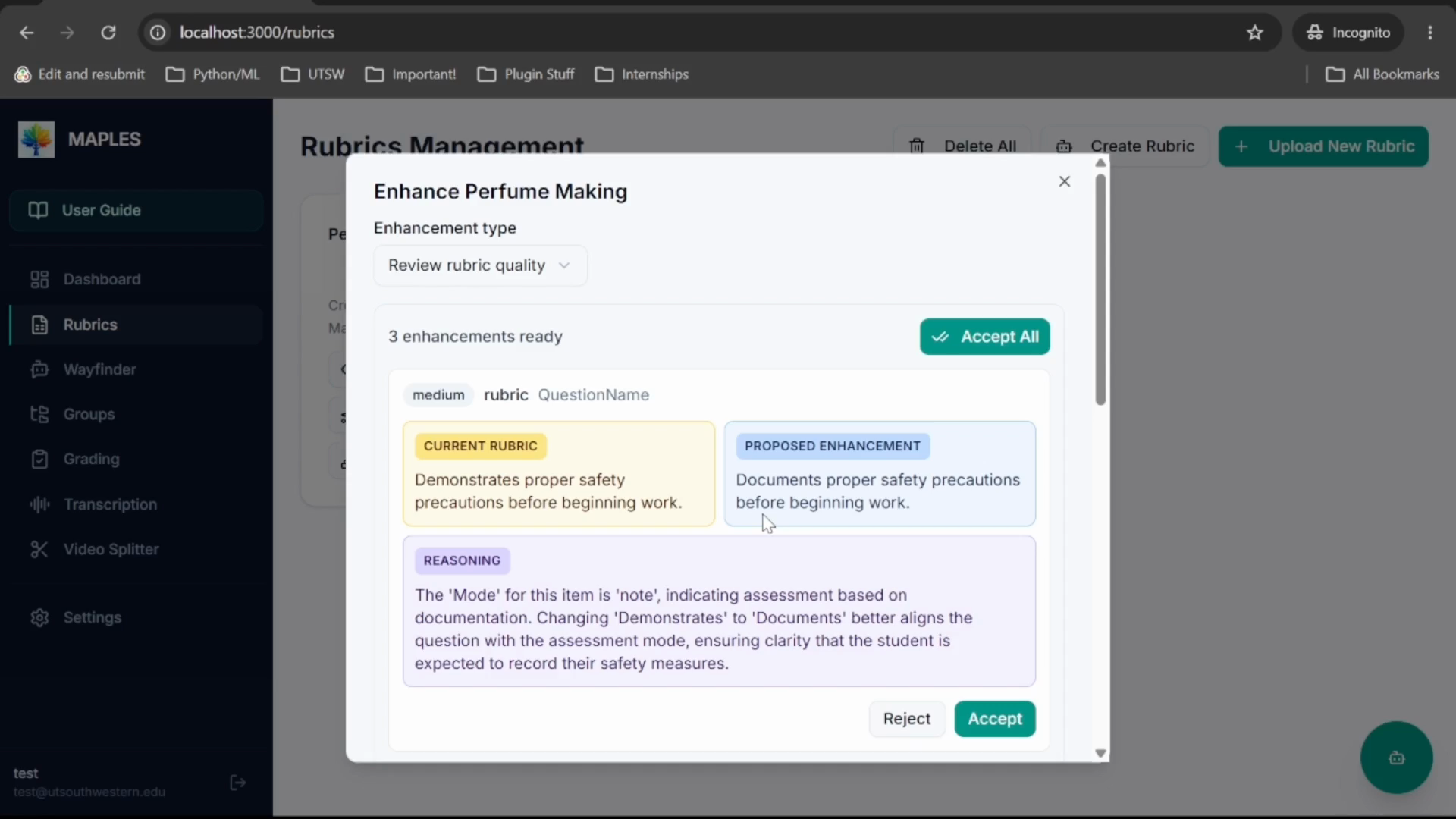
The walkthrough starts in the rubric section. MAPLES uses a structured Excel rubric where each sheet maps to an OSCE station or case.
Each rubric item specifies what is being assessed, which modality should be used, and how the item should be scored. For example, a physical-exam item may be graded from video, while a documentation item may be graded from the student note. That structure tells MAPLES what to evaluate and where to look for evidence.
Build an Encounter Group
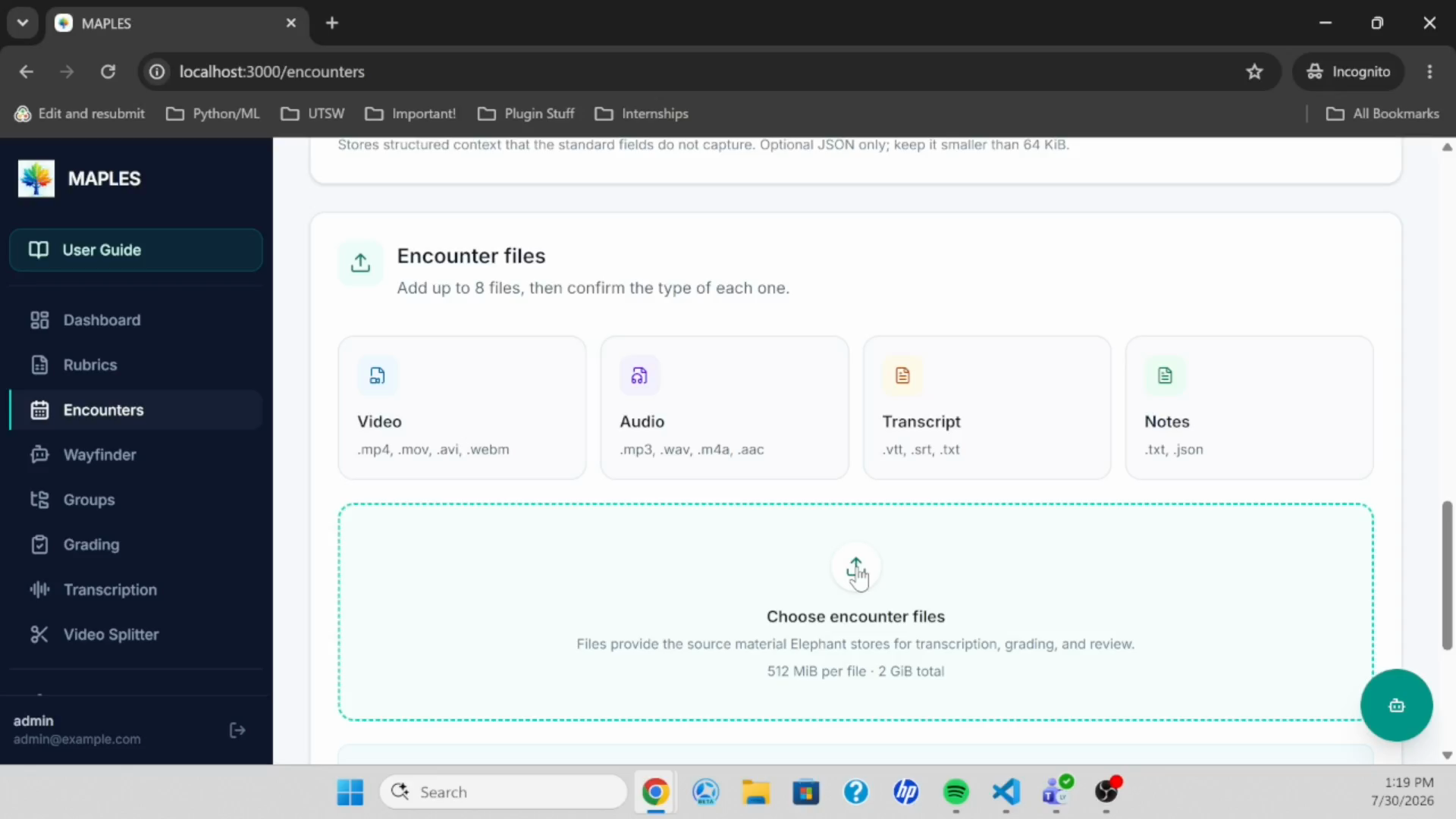
Next, Ameer searches for OSCE encounters, selects the cases to grade, and saves them as a group. In the demo, this is done by searching for a learner and bundling that learner’s encounters across multiple stations.
This group becomes the batch that MAPLES will grade against the uploaded rubric.
Configure and Run Grading
The grading setup connects three things: the encounter group, the rubric, and the model configuration. The demo also shows station mapping, where each rubric sheet is matched to the corresponding OSCE case.
MAPLES can work with different AI model configurations. It also includes options such as a localizer for physical-exam video, which helps combine camera views for grading. After the setup is complete, the user starts the grading run and returns to the results workspace when the batch is ready.
Review the Evidence
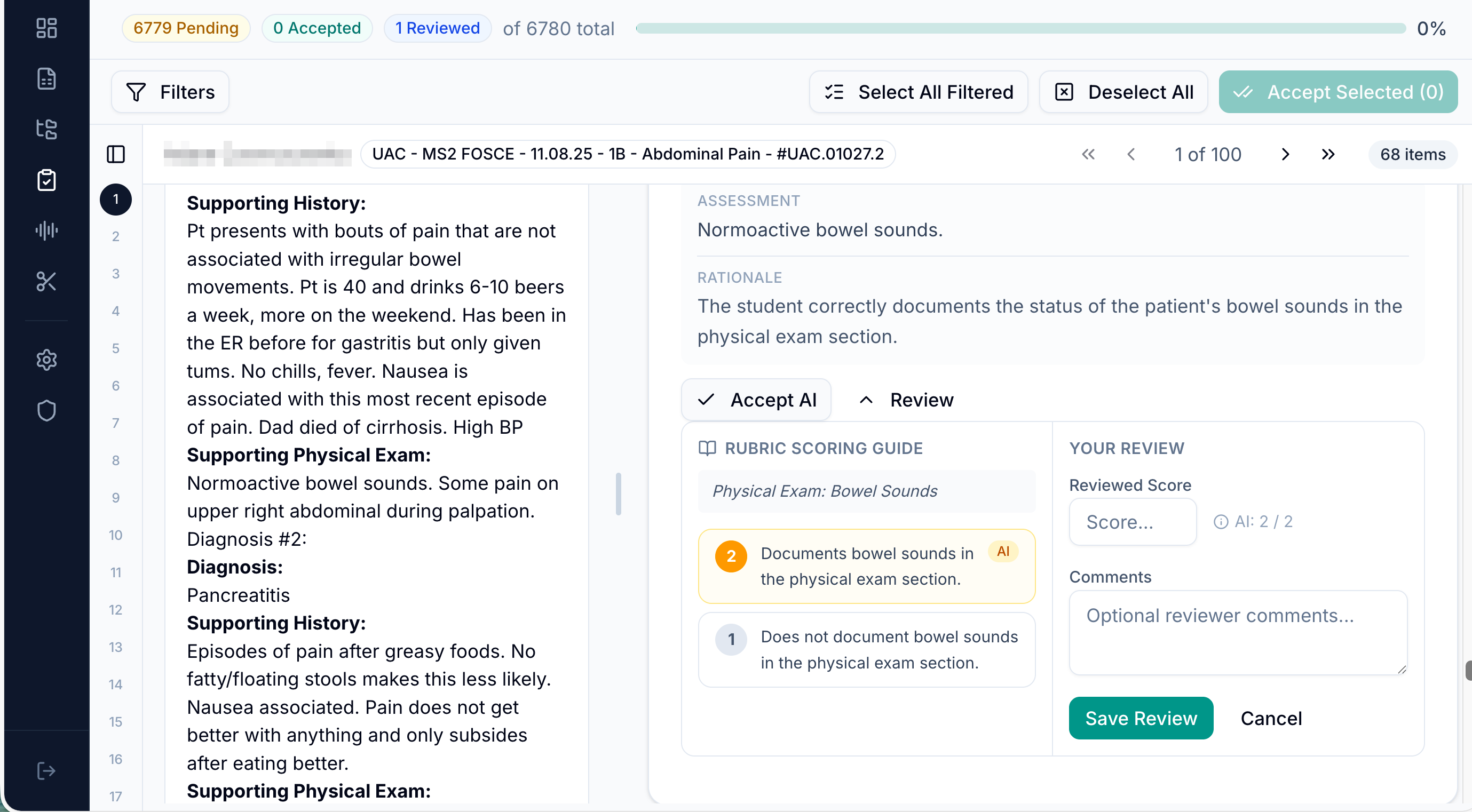
The results workspace is the center of the demo. On one side, the reviewer sees the encounter media: video, audio, transcript, and student note. On the other side, MAPLES shows the AI-generated scores item by item.
For each item, MAPLES shows what the item is grading, the AI rationale, the evidence cited from the encounter, and the AI score. Reviewers can accept the AI score when the evidence is convincing, or change the score and record their reasoning when faculty judgment differs.
That evidence trail is what makes the workflow reviewable. The score is not separated from the encounter. It is tied back to the material faculty can inspect.
Export Validated Results
After review, MAPLES exports the results to Excel. The export includes encounter details, cited evidence, rationale, AI score, final faculty score, and reviewer comments.
That gives the team a reportable record of the OSCE grading workflow: rubric in, AI-assisted scoring with evidence, faculty validation, final results out.
What the Walkthrough Shows
- Uploading a structured Excel rubric.
- Searching for OSCE encounters and creating an encounter group.
- Selecting the rubric and model configuration.
- Mapping rubric sheets to OSCE cases.
- Running AI-assisted grading across the group.
- Reviewing item-level rationale, cited evidence, and scores.
- Accepting or revising scores with faculty judgment.
- Exporting validated results for reporting.
Why It Matters for UT-REAL
OSCE grading is time-intensive and difficult to scale. A single assessment can involve many students, stations, rubric items, videos, notes, and reviewer decisions.
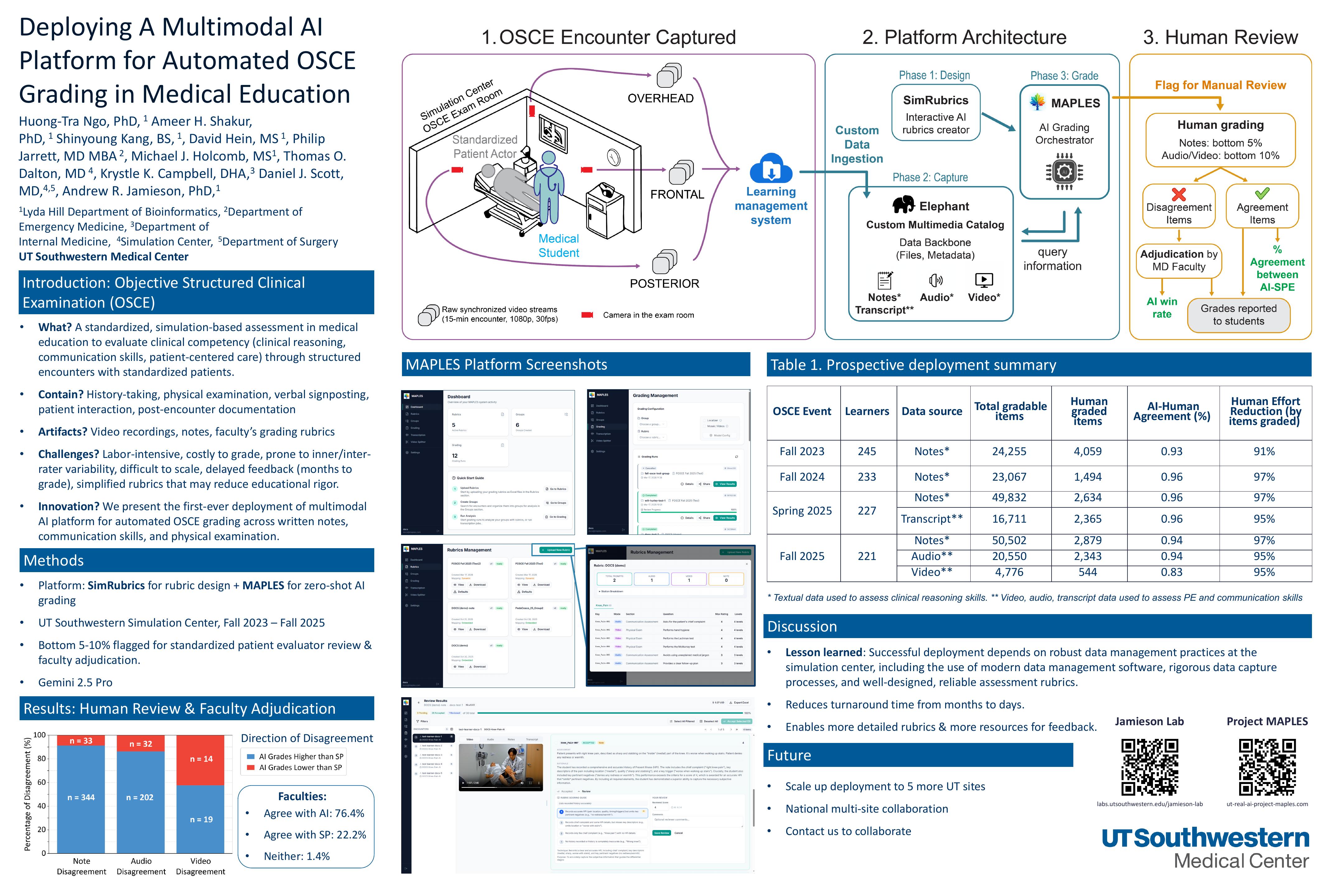
MAPLES is designed to make that workflow more consistent and easier to review. It helps organize the evidence, draft item-level scores, and keep faculty in control of final decisions.
For UT-REAL, that matters because partner sites need more than a model. They need a clear process for rubric representation, data inventory, artifact export, human review, and local implementation. This walkthrough shows what that process looks like in practice.