· Dissemination · 3 min read
Wayfinder: Upload Encounters and Run Automated Grading in MAPLES
Watch Minhan Park and Licheng Yi demonstrate Wayfinder beyond rubric authoring: upload an encounter with media, create a group, start a grading run, check status, and summarize results from chat.
After the rubric-authoring walkthrough, the natural next question is how Wayfinder helps once a rubric already exists. This demo answers that path: upload an encounter with media files, ask Wayfinder to find matching encounters, create a group, start a grading run, check status, and summarize completed results — without leaving the assistant workflow.
In this walkthrough, Jamieson Lab research interns Minhan Park and Licheng Yi show the encounter-to-grading path end to end inside MAPLES. The cut uses synthetic demo data (made-up learner fields) for a Head and Scalp OSCE-style scenario so partner sites can follow the product flow without clinical or identifiable learner content.
Upload an Encounter With Media
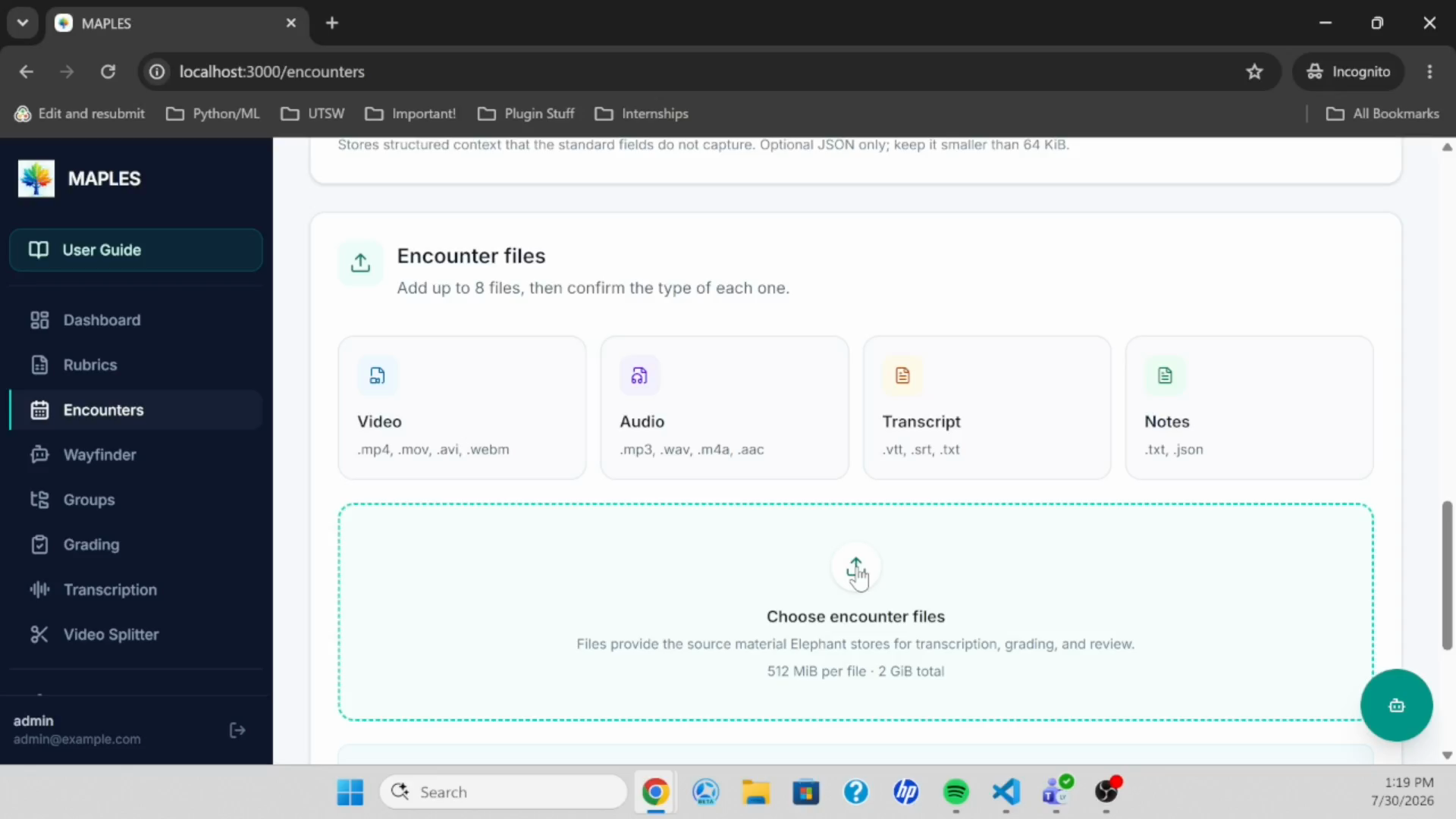
The demo opens on the Encounters workflow. Required fields capture who is being assessed and how the encounter should be organized — learner identity, cohort, activity, case, and timing — while optional fields add context when available.
After the form is complete, the user attaches encounter media: video, audio, transcript, or notes, with accepted formats listed in the UI. File size, name, and type are visible before submission so a mislabeled asset can be corrected. Submit encounter creates the record in the MAPLES / Elephant pipeline so the case is available for grouping and grading.
Create a Group Through Wayfinder
Groups can still be built manually, but this cut uses Wayfinder chat. A natural-language prompt asks for encounters matching a Head and Scalp OSCE; Wayfinder returns the uploaded case. A second prompt creates a named group from those encounters — the batch unit MAPLES needs before a grading run can start.
Start and Monitor a Grading Run
With a group and rubric available, Wayfinder starts the grading run from chat (API credentials must already be configured under Settings). Status can be checked by asking Wayfinder again or by opening the Grading page. In the demo, the pipeline moves from queued to running to completed, then offers to fetch scores and results.
Summarize Results in Chat
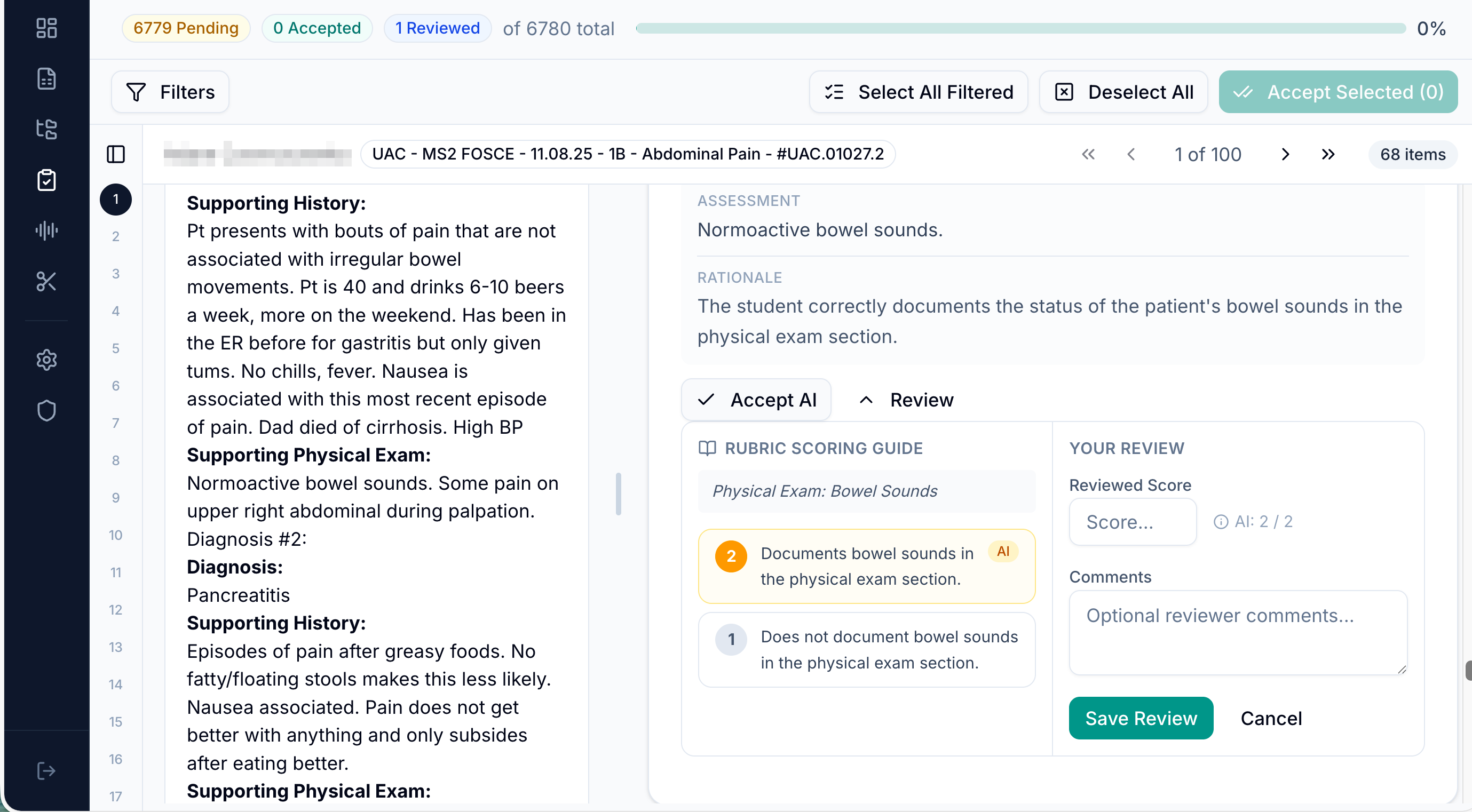
When the run finishes, Wayfinder summarizes item-level outcomes: scores, pending-review status, observed signals, and a short next-step note toward faculty accept/reject and export. That keeps the post-run loop in the same assistant surface educators already used for groups and launch — complementary to the MAPLES faculty-review walkthrough, which focuses on evidence inspection and score validation in the results workspace.
What the Walkthrough Shows
- Filling encounter details and attaching video/audio/transcript/note files
- Submitting an encounter into the MAPLES / Elephant pipeline
- Asking Wayfinder to list encounters for a Head and Scalp OSCE
- Creating a group from the found encounter
- Starting a grading run with a Head and Scalp rubric
- Checking run status and summarizing completed results in chat
Why It Matters for UT-REAL
Partner sites need a full path from local assessment design to executable rubrics, structured encounter inventory, AI-assisted scoring, and faculty oversight.
This demo closes the middle of that path: once a rubric exists, educators can load encounters, form groups, and launch grading through Wayfinder rather than only through form-driven screens. Combined with Wayfinder rubric authoring and the MAPLES grading and faculty-review walkthrough, UT-REAL’s public materials now cover design, run, and review.